In the history of computer gaming, few concepts are as simple yet addictive as Xonix. Originally released in 1984, it defined a sub-genre of arcade puzzle games that challenged players to “claim” territory while dodging deadly enemies. While it started on DOS, the game found a permanent home in the Linux ecosystem, becoming one of the most iconic “time-wasters” for system administrators and power users.
A Linux Heritage: Xonix and the X11 Era
As noted by veterans in the retro-gaming community, Xonix has been a part of Linux since the “beginning of ages.” For many early Linux adopters, the X11 port—famously known as xxonix—was one of the first graphical games they ever played on their workstations.
The beauty of the Linux version lay in its purity. It didn’t need flashy 3D graphics or complex soundtracks. It provided a perfect implementation of the core mechanic: moving your cursor to capture parts of the screen while avoiding the bouncing “balls” in the empty space and the “fuses” on your own borders.
Why Xonix Still Matters in 2026
What makes Xonix special even today?
- Minimalism: It is a masterclass in efficient design, requiring only a few lines of code to create hours of gameplay.
- Pure Skill: The game requires a perfect mix of strategy and reflexes, proving that “simple” does not mean “easy.”
- Linux Integration: It remains a cult favorite because it represents a time when open-source software was focused on porting every great idea to the X Window System.
How to Play Xonix on Modern Linux
As of 2026, the original xxonix package has been moved to legacy archives and is no longer available in the default repositories of modern distributions like Ubuntu 24.04/26.04 or Fedora. This is due to the aging X11 codebase that the original game relied on.
However, you can still enjoy the Xonix experience through its modern, high-quality clones.
The Best Modern Alternative: KBounce
The most reliable way to play Xonix-style games today is KBounce. It is part of the official KDE games suite but works perfectly on any desktop environment (GNOME, Mint, XFCE). It features polished graphics while keeping the 1984 gameplay soul intact.
To install it on Ubuntu, Debian, or Linux Mint:
Bash
sudo apt update
sudo apt install kbounce
To install it on Fedora:
Bash
sudo dnf install kbounce
For Terminal Purists
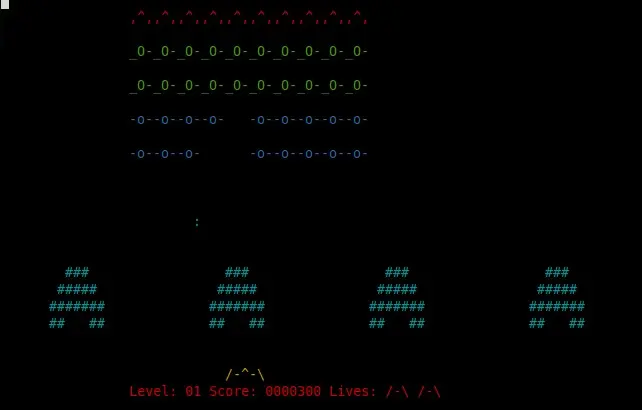
If you prefer to stay within the command line, you can find various terminal-based clones that offer similar “territory capture” mechanics. Search your package manager for ninvaders or bastet for other retro-inspired arcade fixes.
2026 Retrospective: Digital Archaeology of Gaming
Looking back, Xonix is more than just a game; it is a lesson in efficient software design. It proved that you only need a clever mechanic and a responsive interface to keep users entertained for decades.
Whether you are a “Digital Archaeologist” preserving the history of X11 or just a user looking for a quick break between terminal sessions, Xonix remains a vital piece of Linux culture. While the packages we use to play it have changed, the thrill of closing that final square to claim 80% of the screen remains exactly the same.
