Linux has never been a system designed for gamers. Recently, however, we can observe that the situation is changing for the better. Games for Linux are now available on many resources.
Already there are some Linux distributions designed for fans to play. No, really, they exist! However, in this article we’ll talk about something else.
In addition Linux has one additional advantage over Windows. Of course, this is a powerful command line interface (CLI), or as it called “console” or “terminal”. In the console, you can perform incredible things, including playing games!
Yes, hardcore fans at a command prompt, get a little closer. Console games are “easy”, quick and fun as hell. And most importantly, in the console you can play a great variety of classic retro games.
So, let’s get acquainted with some of the best games for the Linux console.
1. Bastet
Who hasn’t spent hours playing Tetris? The game is of course simple, but completely addictive. Bastet is a Tetris game for Linux.
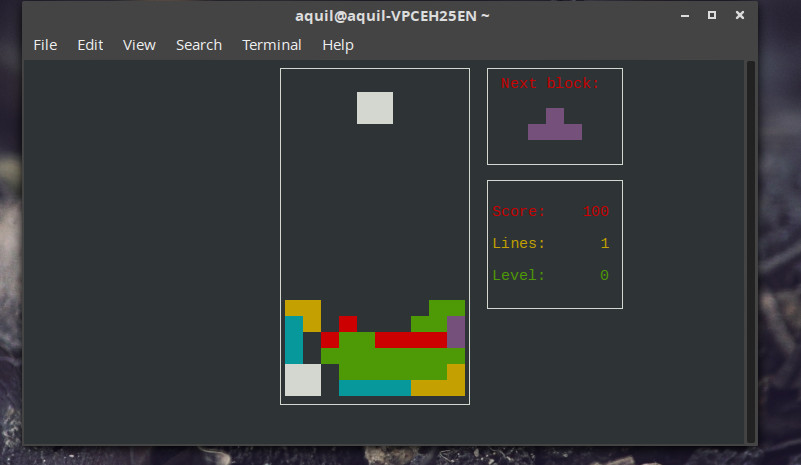
To install Bastet, run the following command:
sudo apt install bastet
To start the game just type in console:
bastet
To rotate shapes press the space bar to move — the arrow buttons.
2. Ninvaders
Space Invaders. I’m sure many of you remember this game. Perhaps one of the best arcade games that mankind has invented.
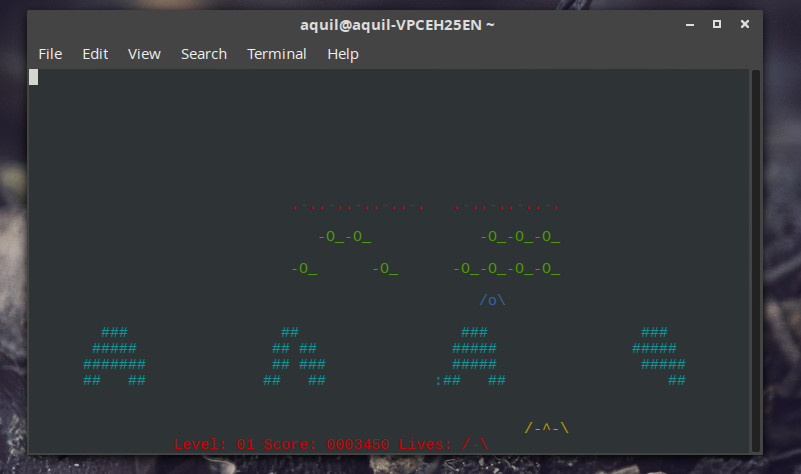
Copy and run the command below to install Ninvaders.
sudo apt-get install ninvaders
To start the game, type the command:
ninvaders
The arrow buttons control the movement of your kosmicheskogo ship. For shooting use the space bar.
3. Pacman4console
Of course, we couldn’t ignore the King of Arcades. Pacman4console is a console version of the popular hit Pacman.
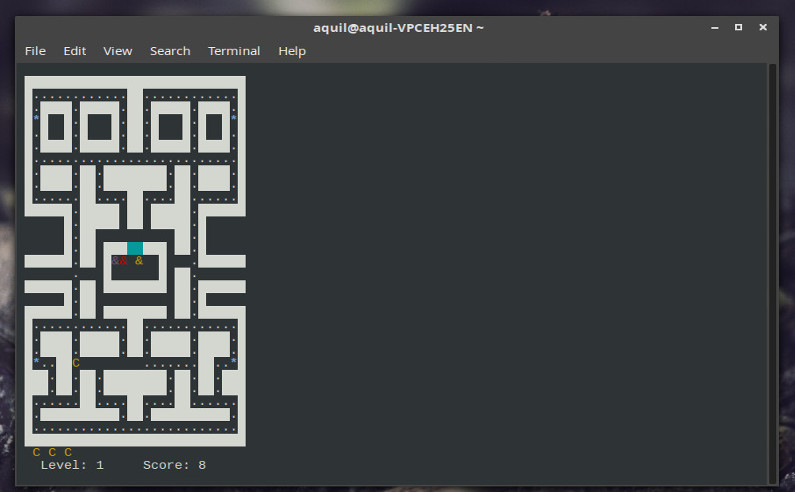
Install pacman4console:
sudo apt-get install pacman4console
Expand terminal window to full screen (optional but recommended) and enter the command to start the game:
pacman4console
Used to control keys with telkami.
4. nSnake
Remember Snake on the old Nokia phones?
I’m sure many of you have whiled away the time playing this game and was trying to roll snake a incredible ring.
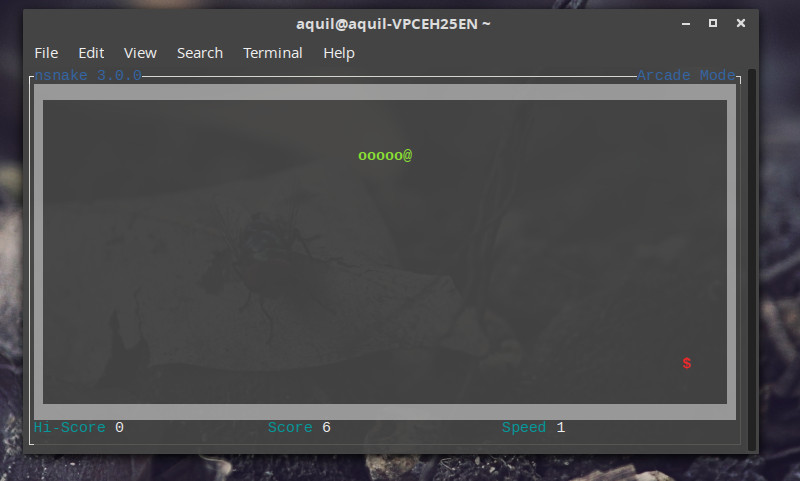
Thanks nSnake we can play “snake” in the terminal. The command to install:
sudo apt-get install nsnake
To start the game just type:
nsnake
To control the snake use the arrow keys.
5. Greed
Greed is a little bit like Tron, if you remove the speed and adrenaline.
Your location is marked with a flashing symbol @. You are surrounded by numbers and can move in any of 4 directions.
In your chosen field is a number which means how many steps you move. Then again to choose the direction. To cross the already completed areas is impossible. The game ends when you can no longer make a move.
It is actually easier than it sounds, just try it.
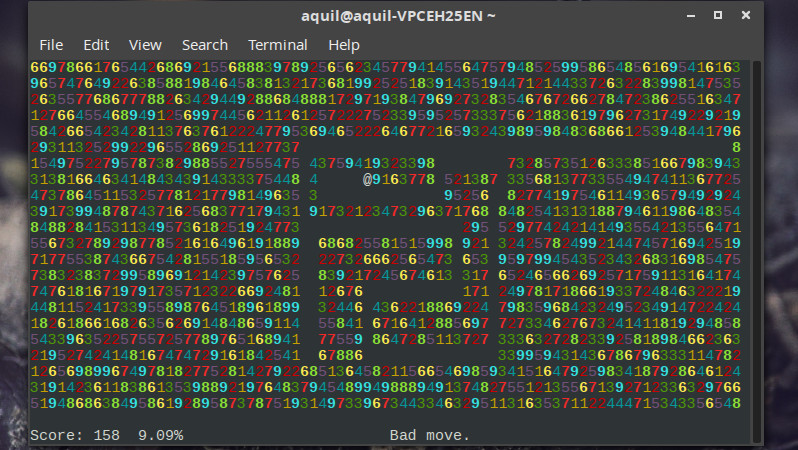
Install Greed by using the following command:
sudo apt-get install greed
Running the game:
greed
To move use the arrow keys.
6. Air Traffic Controller (ATC)
What could be better than to fly a plane? Probably only be Manager of the airlines. In your terminal now the whole air traffic system. Honestly, the flight control console looks quite plausible.

To install the game, run the command:
sudo apt-get install bsdgames
To start the game:
atc
ATC is not a game for children. Before you begin read the description and regulations contained in the man page:
man atc
7. Backgammon (Backgammon)
Regardless of whether you’ve played backgammon before or not, it’s worth it to try. The game has very detailed rules and description control. You can play against computer or play with a friend.
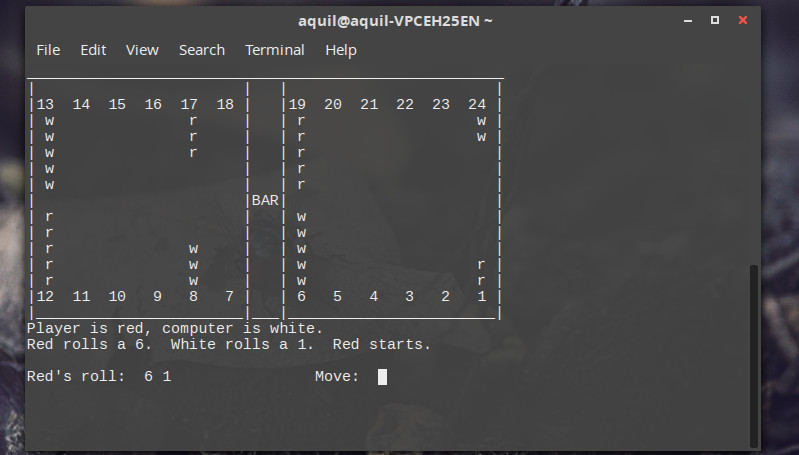
To install backgammon run the command (the same that the installation of ATC):
sudo apt-get install bsdgames
Enter the following command to launch the game:
backgammon
Press y in response to the suggestion to read the rules.
8. Moon buggy
Jump. Shoot. Have fun.
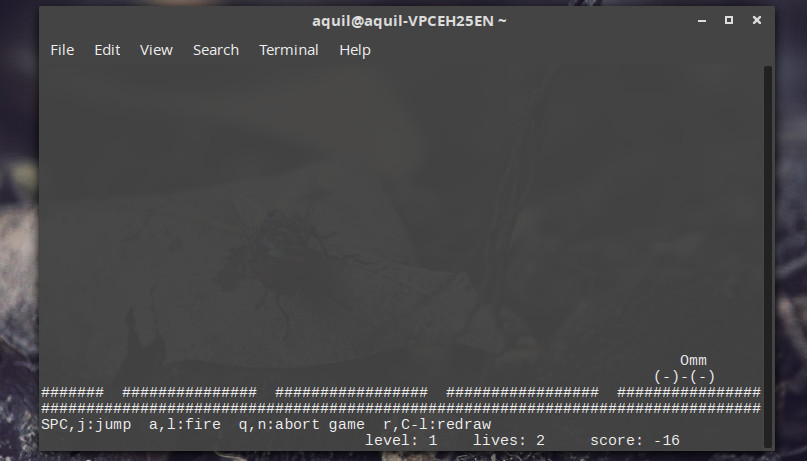
To install the game, run the command:
sudo apt-get install moon-buggy
To start the game, run:
moon-buggy
j or space — jump a or l — shot. Enjoy.
9. 2048
This game will make your brain work as it should. 2048 — strategy from which it is difficult to put down. The goal is simple — to collect 2048 points.
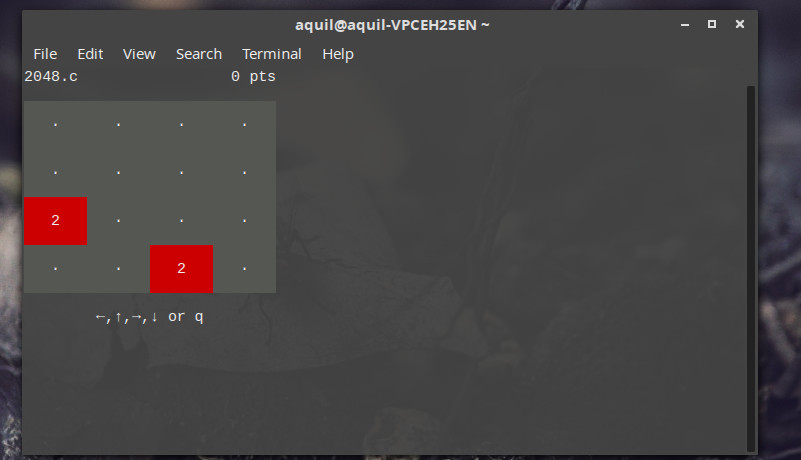
To install, copy and run in terminal the following command:
wget https://raw.githubusercontent.com/mevdschee/2048.c/master/2048.c

gcc -o 2048 2048.c
To start the game, run the following command. To move use the arrow keys.
./2048
10. Tron
List of console games would be incomplete without vigorous action.
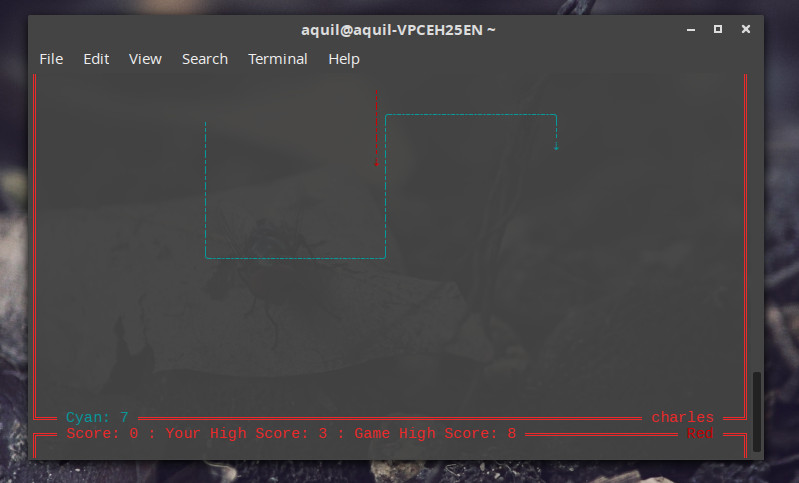
Yes, this is the Tron, and now it’s available in your Linux terminal. Be prepared to make quick decisions. The game does not require installation and configuration. To start you will need to enter only one team. All you need is Internet connection.
ssh sshtron.zachlatta.com
You can even play in multiplayer, if there will be other players.
What game did you like best?
So we looked at the top 10 console games for Linux. I guess now is the time to press ctrl+alt+T. Which game was your favorite? Perhaps you can tell us about other interesting games? Waiting for your comments!
