
If you’ve followed my posts about my first steps with Fedora Atomic Workstation, you may have seen that I’ve had to figure out how to make codecs work in the firefox that is included in the OS image. And then I had to work around some issues with the layered packages that I used for that when I rebased to a newer OS.
 But maybe there is a better way to go about this?
Flatpak is the preferred way to install applications on the Atomic Workstation, so maybe that is the way to go. So far, all the flatpaks I’ve installed have come from Flathub, which is a convenient place to find all sorts of desktop apps. But firefox is not there (yet).
Thankfully, flatpak fundamentally decentralized by design. There is nothing special about Flathub, flatpak can easily install apps from many different sources. A quick search yielded this unofficial firefox flatpak repository, with easy-to-follow instructions. Just clicking on this link will also work. If you open it with a sandboxed firefox, you will see the URI portal in action:
 One nice aspect of this is that the nightly firefox is not just a one-off package that I’ve installed, it will receive updates just like any other app on my system. An important detail when it comes to web browsers!
Another nice aspect is that I did not have to remove the firefox that is already installed (I couldn’t anyway, since it is part of the immutable OS image). The two can peacefully coexist.
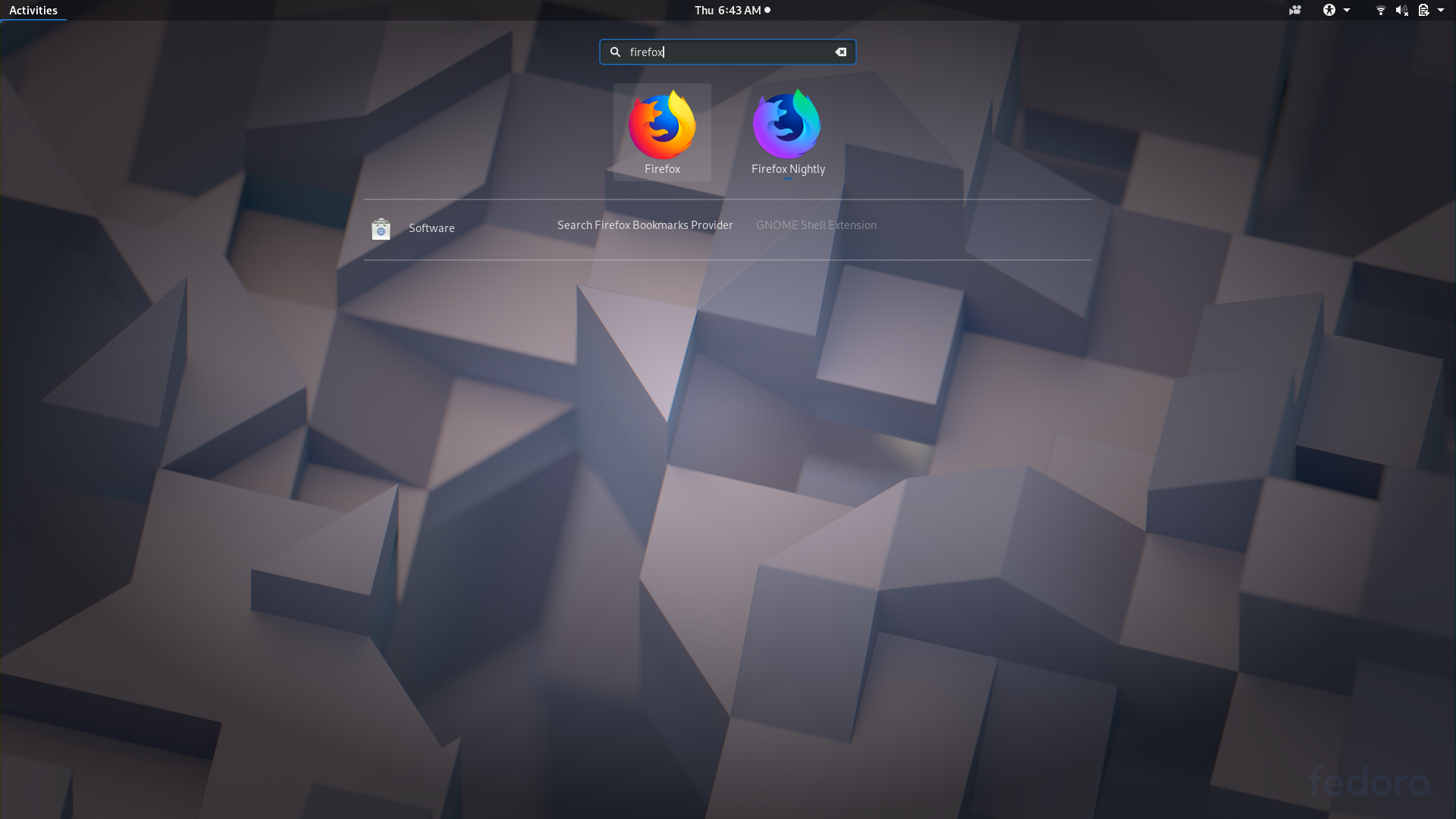 This is true not just for firefox, but in general: by isolating apps and their dependencies from each other, flatpak makes it very easy to try out different versions of apps without pain.
Want to try some bleeding-edge GNOME apps instead of the stable versions that are available on Flathub? No problem, just enable the GNOME nightly repository like this:
flatpak remote-add --user --from gnome-apps-nightly https://sdk.gnome.org/gnome-apps-nightly.flatpakrepo
And then the nightly apps will be available for installation next to their stable counterparts. Note that GNOME software will indicate the source for each app in the search results.
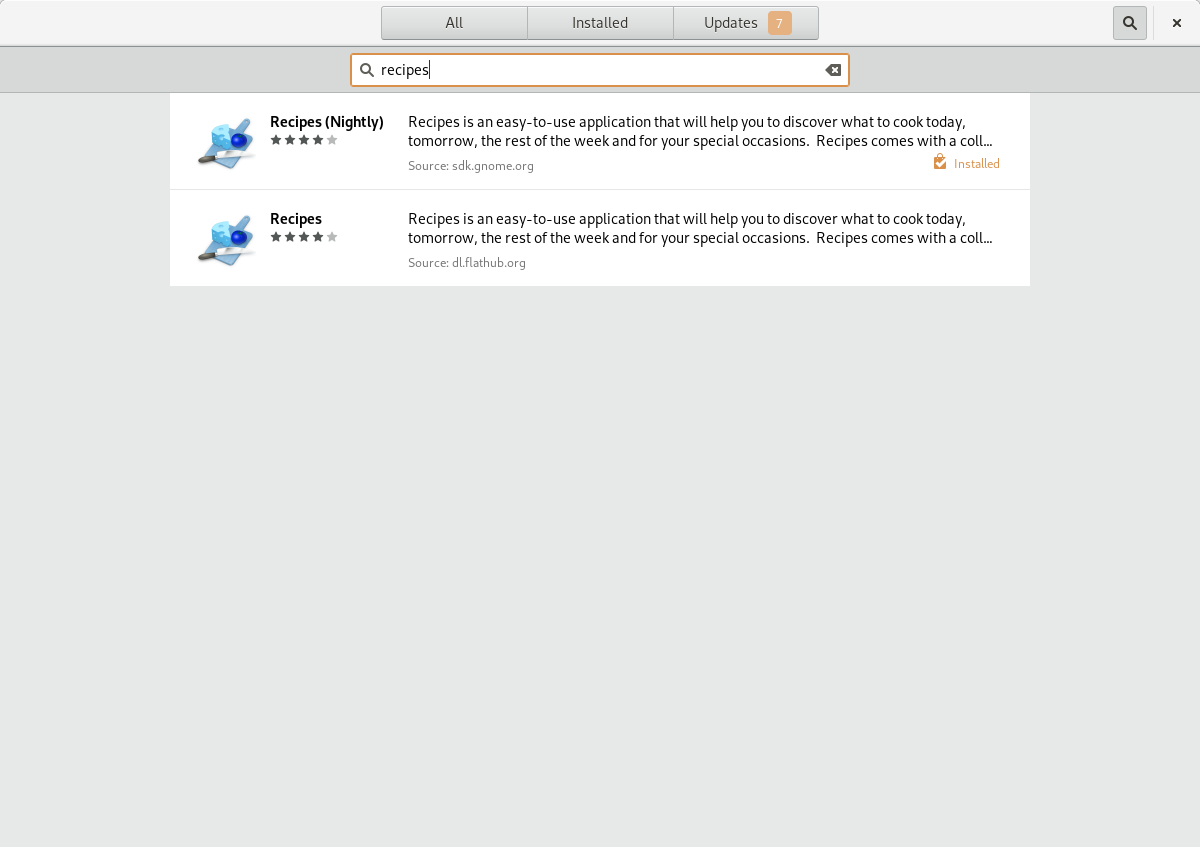 Trying out new software has never been safer and easier!
Sorry for the wrong-colored screenshots in this post – there is still a price to pay for living on the bleeding edge of rawhide, even if Atomic Workstation makes it much safer.
 Top Temporary VPS for Testing & Experiments (2026)
Need a fast cloud server for a few hours or days? Deploy an isolated testing environment, run your scripts, and destroy it without any monthly commitments. Secure payments via Crypto (USDT) & PayPal supported.
• Exclusive Welcome Bonus: Get an extra 15% on your first balance top-up within 24 hours after registration.
• Best-in-class Storage VDS configurations with huge disk space for heavy data testing.
• High-speed hardware platform with a stable presence in the Netherlands (Europe).