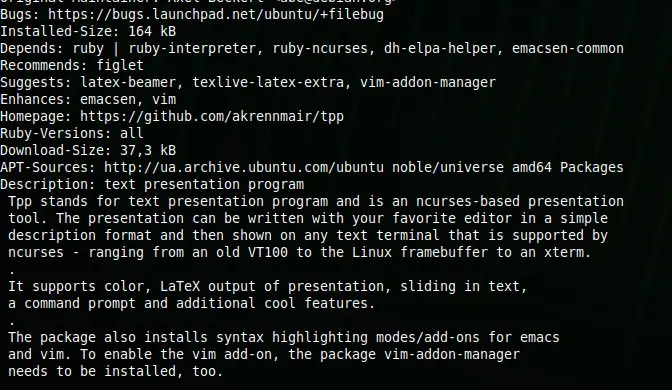
In 2026, while the world is flooded with heavy, AI-driven presentation software, the minimalist charm of the command line remains unmatched for developers and sysadmins. TPP (Text Presentation Program) is the legendary ncurses-based tool that allows you to create and display presentations directly in your terminal.
Whether you are presenting at a local LUG, a tech conference, or just sharing your screen on a video call, TPP ensures that your slides are lightweight, version-control friendly, and purely geeky.
Why TPP still rocks in 2026:
- Plain Text: Write your slides in any text editor (Vim, Nano, VS Code).
- Terminal Native: No need for a GPU-heavy PDF viewer or browser.
- Special Effects: Supports slide transitions, colored text, and even “Star Wars” style scrolling text.
- Code Execution: You can actually execute shell commands directly from your slides—perfect for live demos.
Quick Installation
On Fedora and other RPM-based systems:
sudo dnf install tpp
Creating Your First Slide
Create a file named presentation.tpp and add the following:
--author Your Name
--title TPP Mastery 2026
--date today
--footer Tutorials @ Linux Hub
---
--header Welcome to the CLI Era
---
* Minimalist
* Fast
* Versionable with Git
---
--beginoutput
$ echo "Hello from the terminal!"
--endoutput
To run your presentation:
tpp presentation.tpp
TPP is more than just a tool; it’s a statement. It says that your content is more important than flashy animations.